I to have multi tiered backups for my laptops and do regular restores to validate them. Same for my parents and all my non technical family and friends. Its amazing that big companies mess this up since everyone does it. It’s just so cheap and easy to do. /s
Storing important data online on someone else’s computer is beyond fucked up levels of stupid:
You only need to lose your encryption key once in your lifetime afterwards, and you can consider your backup public for all the world to see.
And a single encryption weakness / backdoor will expose data just the same.
Not to mention using third party sw to “do the backup” for you and relying on them to encrypt it so that they themselves can’t read it, is very naive.
Once your data left your home network, it is no longer yours to control.
In my setup, the backup is encrypted locally, and then uploaded to Backblaze. If I leak my encryption key, then yes, Backblaze and any state actor that can compel Backblaze, might be able to read my backup (and the same goes for an encryption vulnerability). But since the connection to access the backup is also authenticated, the rest of the public would not be able to read my backup. If I leak my access credentials, then everyone could get my encrypted backup data, but not be able to decrypt it. Of course if I leak both the access credentials and the encryption key, then yes anyone that obtains both can read my backup.
Many regular people use Microsoft Onedrive or Google Drive, which offers even less protection, but it’s certainly sufficient and well enough protected to keep your dissertation protected.
In most backup services you have the option to choose what gets backed up, and what does not. But sure, it entirely depends on who you want to protect yourself from.
If your main concern is state actors, then yeah… You probably shouldn’t use something like Backblaze. You should keep everything on your own hardware. And convince a friend or some family to have a NAS sitting somewhere that can host your backup destination.
For my case I’m mostly concerned about data continuity (not losing data). But privacy is certainly also a concern, and here I have chosen to believe that the encryption is sound enough, and that my ability to keep my encryption key safe, is sufficient for the data it protects.
My main concern is that all my data is online, potentially forever (I have to assume it will be) and the only thing needed to access it is a comparatively tiny encryption key (we’re talking Megabytes) that I have to keep safe forever (or until I delete it). If I ever mess up, or a computer with the encryption key gets compromised, then there goes my data into the public domain…


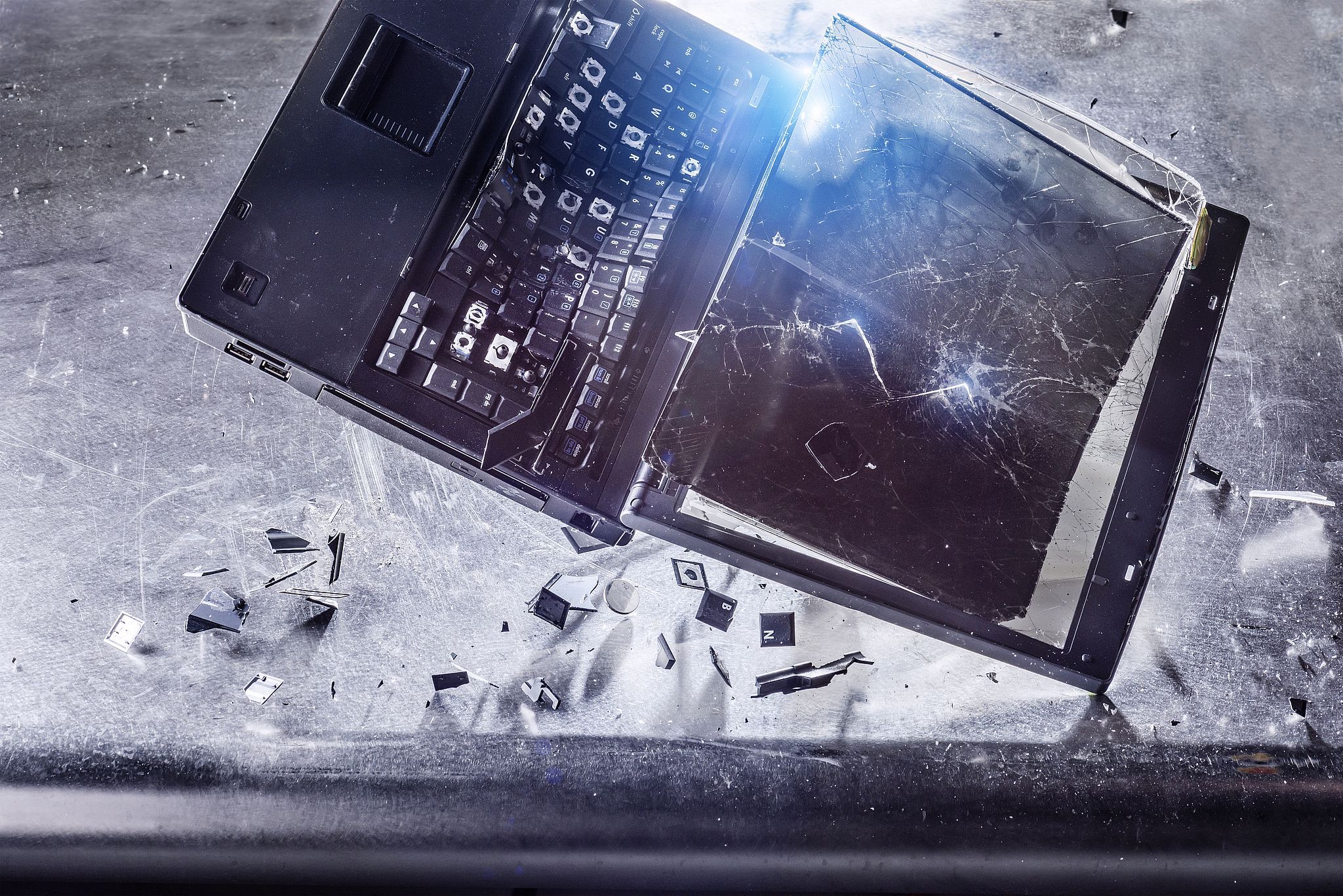
I to have multi tiered backups for my laptops and do regular restores to validate them. Same for my parents and all my non technical family and friends. Its amazing that big companies mess this up since everyone does it. It’s just so cheap and easy to do. /s
I use Backblaze myself… But there are many other straightforward and easy backup solutions out there.
Storing important data online on someone else’s computer is beyond fucked up levels of stupid: You only need to lose your encryption key once in your lifetime afterwards, and you can consider your backup public for all the world to see. And a single encryption weakness / backdoor will expose data just the same. Not to mention using third party sw to “do the backup” for you and relying on them to encrypt it so that they themselves can’t read it, is very naive.
Once your data left your home network, it is no longer yours to control.
Well… That depends entirely on your threat model…
In my setup, the backup is encrypted locally, and then uploaded to Backblaze. If I leak my encryption key, then yes, Backblaze and any state actor that can compel Backblaze, might be able to read my backup (and the same goes for an encryption vulnerability). But since the connection to access the backup is also authenticated, the rest of the public would not be able to read my backup. If I leak my access credentials, then everyone could get my encrypted backup data, but not be able to decrypt it. Of course if I leak both the access credentials and the encryption key, then yes anyone that obtains both can read my backup.
Many regular people use Microsoft Onedrive or Google Drive, which offers even less protection, but it’s certainly sufficient and well enough protected to keep your dissertation protected.
In most backup services you have the option to choose what gets backed up, and what does not. But sure, it entirely depends on who you want to protect yourself from.
If your main concern is state actors, then yeah… You probably shouldn’t use something like Backblaze. You should keep everything on your own hardware. And convince a friend or some family to have a NAS sitting somewhere that can host your backup destination.
For my case I’m mostly concerned about data continuity (not losing data). But privacy is certainly also a concern, and here I have chosen to believe that the encryption is sound enough, and that my ability to keep my encryption key safe, is sufficient for the data it protects.
My main concern is that all my data is online, potentially forever (I have to assume it will be) and the only thing needed to access it is a comparatively tiny encryption key (we’re talking Megabytes) that I have to keep safe forever (or until I delete it). If I ever mess up, or a computer with the encryption key gets compromised, then there goes my data into the public domain…